
FreshMyMac
App
A small Mac cleaner. Pick what to clean, see how much space you'll get back, then clean it in one click.
About FreshMyMac
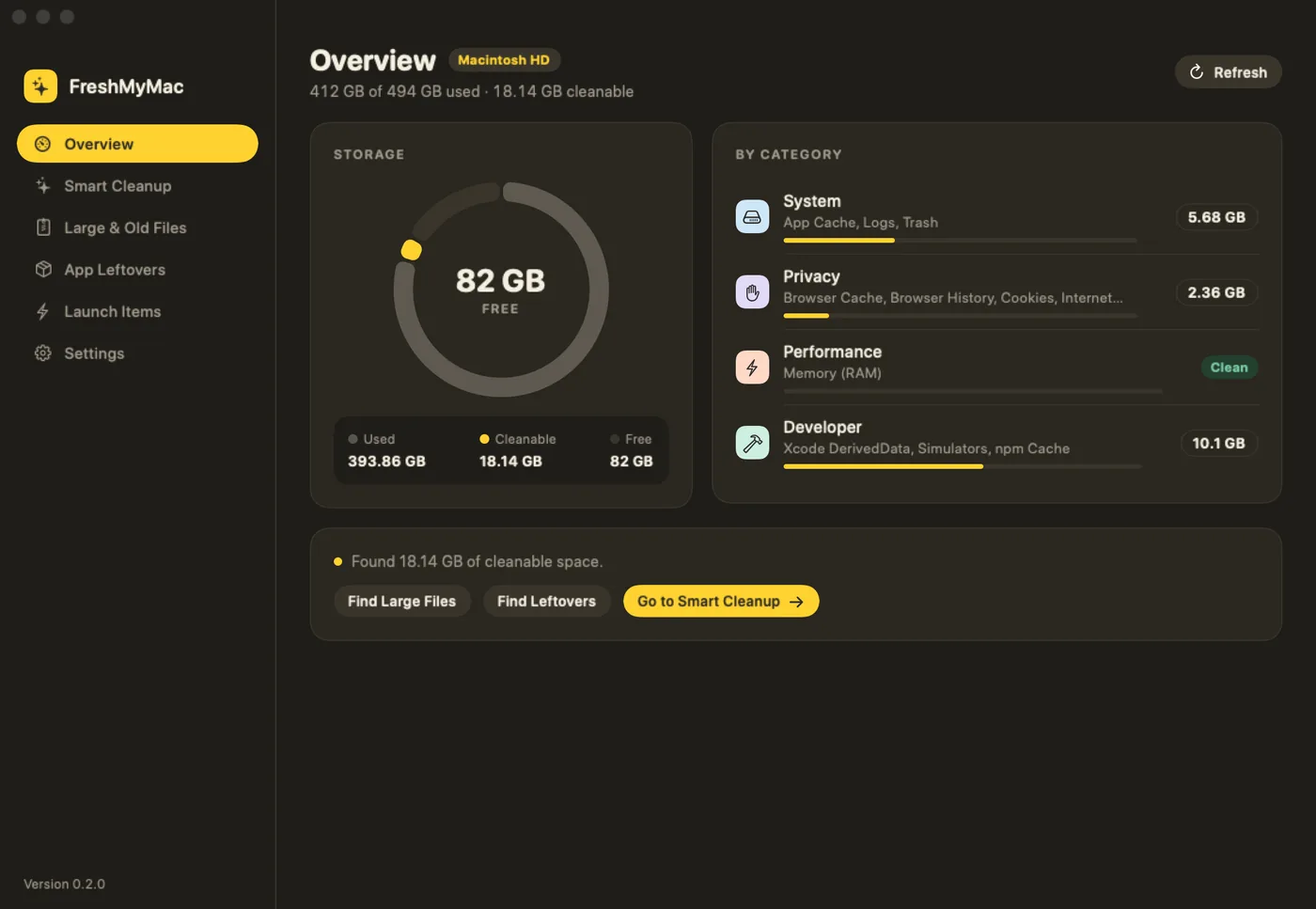
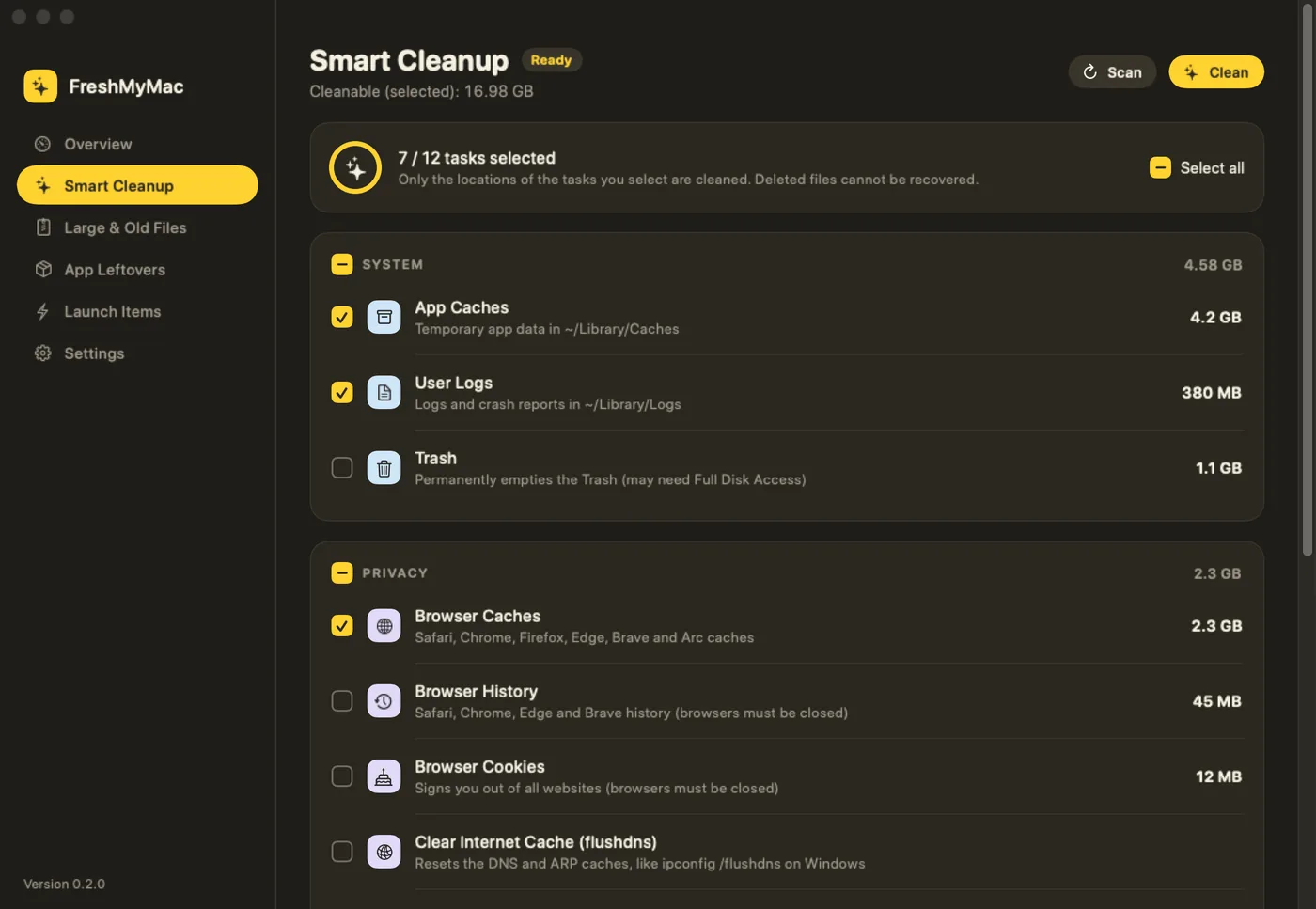
FreshMyMac is a small, native Mac cleaner. It scans first and shows how much space each task would free. Nothing is cleaned until you choose it.
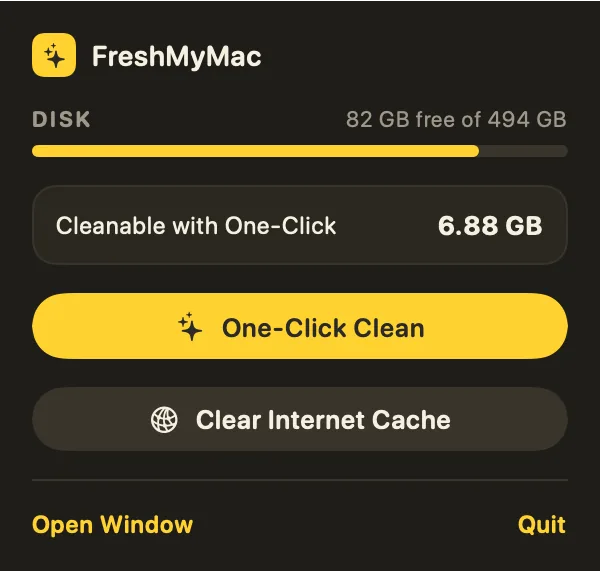
You can run it from the app, from the menu bar, from a desktop widget or on a daily or weekly schedule.
Screenshots
What it does
- Smart Cleanup
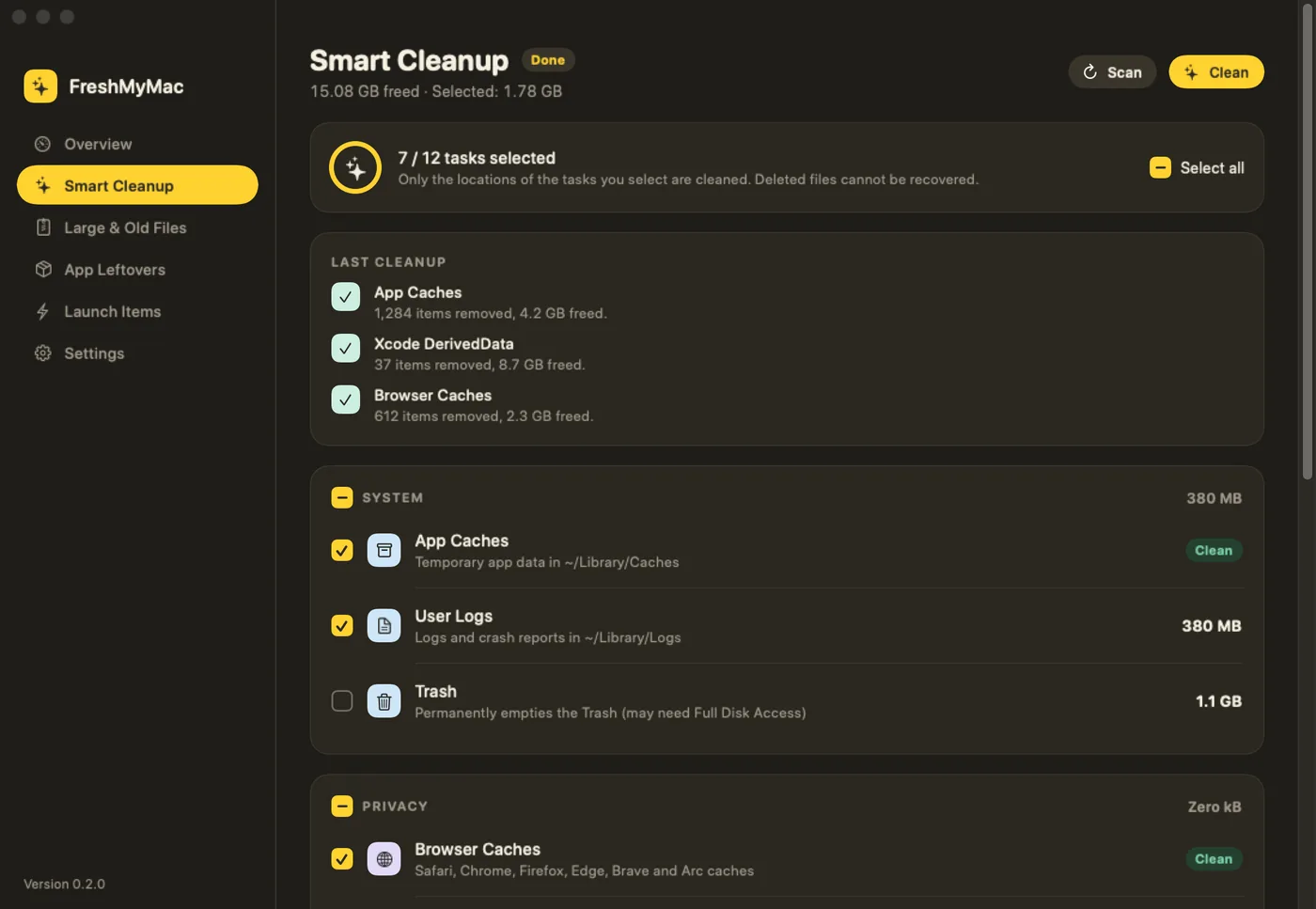
- App caches, user logs, the Trash, browser cache, history and cookies, Quick Look thumbnails, Xcode DerivedData, unavailable simulators, and Homebrew and npm caches.
- Flush the DNS cache
- The Mac version of ipconfig /flushdns on Windows. It clears the DNS and ARP caches.
- Free up memory
- Releases inactive RAM.
- Large and old files
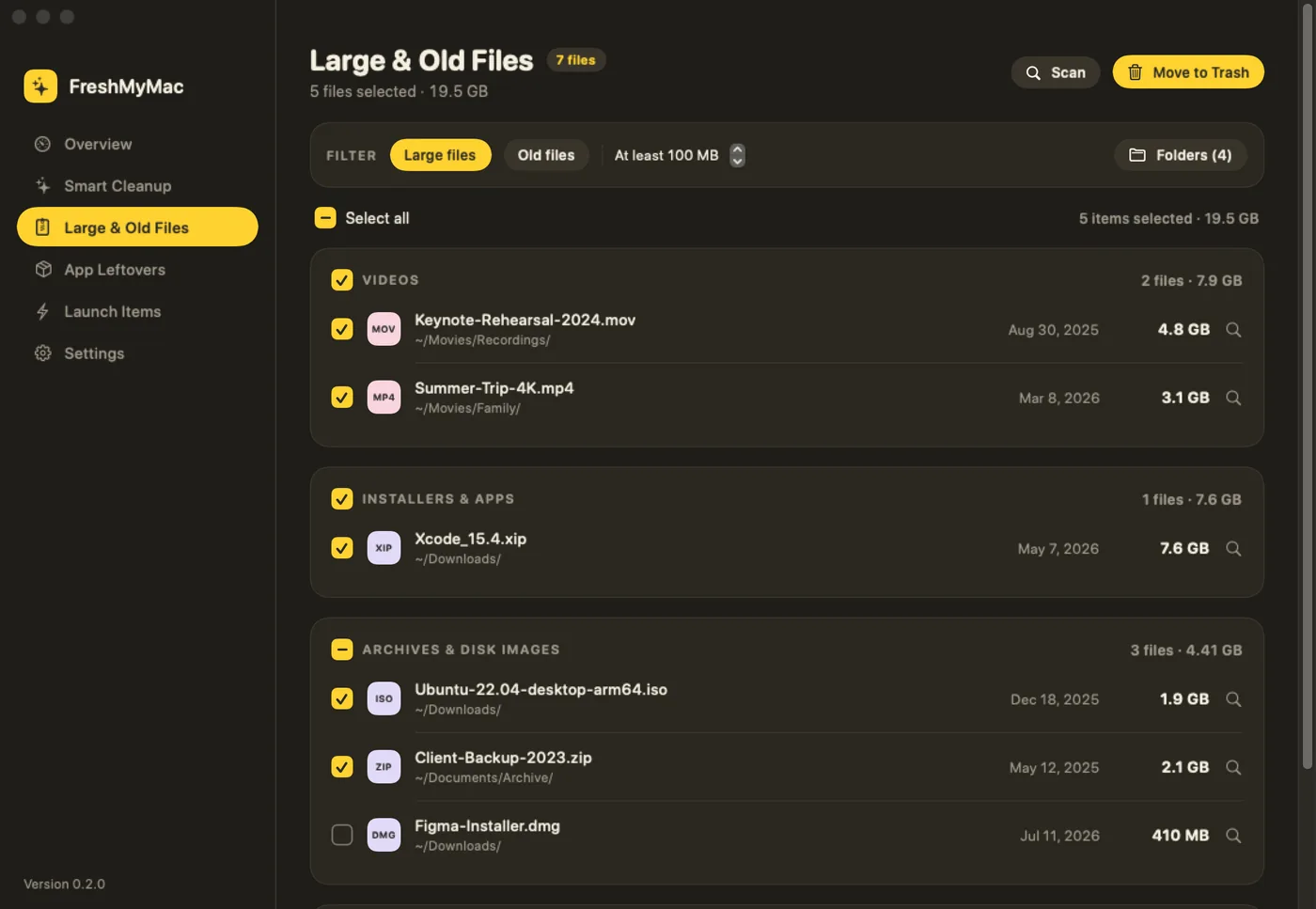
- Looks in Downloads, Desktop, Documents, Movies and Music. Sort by size, name or date. Files you choose go to the Trash.
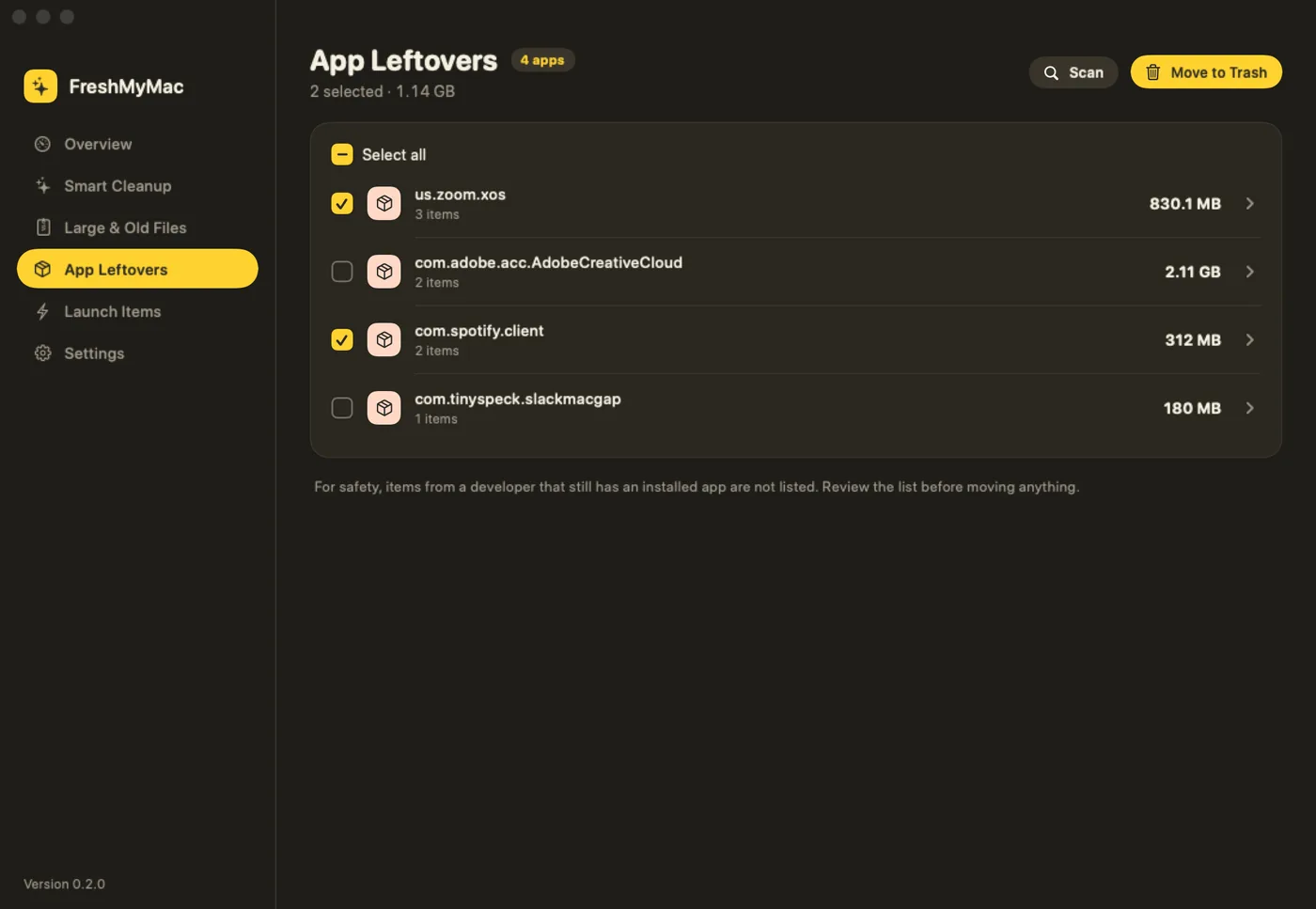
- App leftovers
- Finds settings, caches and support files that removed apps left behind.
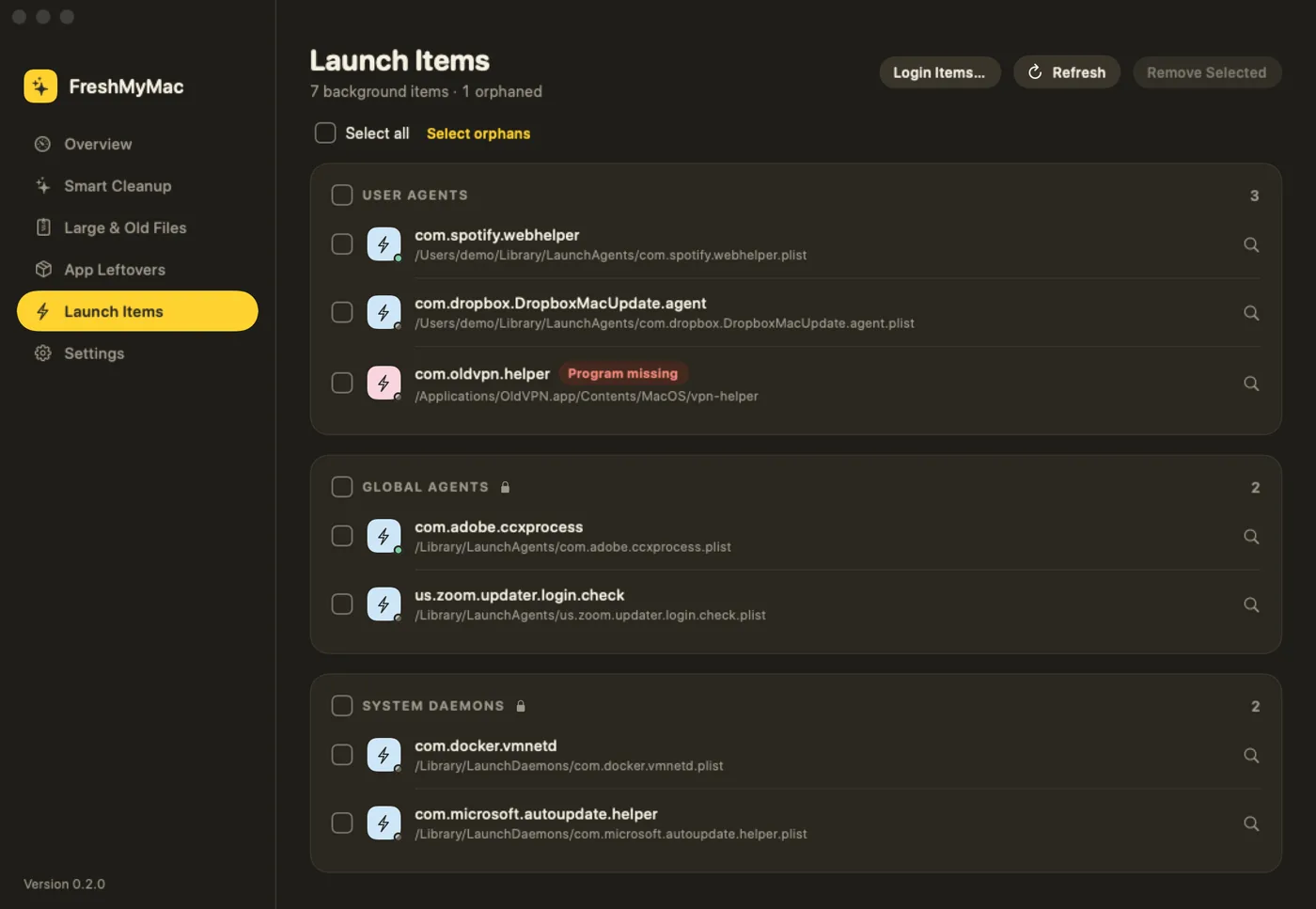
- Launch items
- Lists what starts with your Mac and flags items whose program is gone.
- One-Click Cleanup
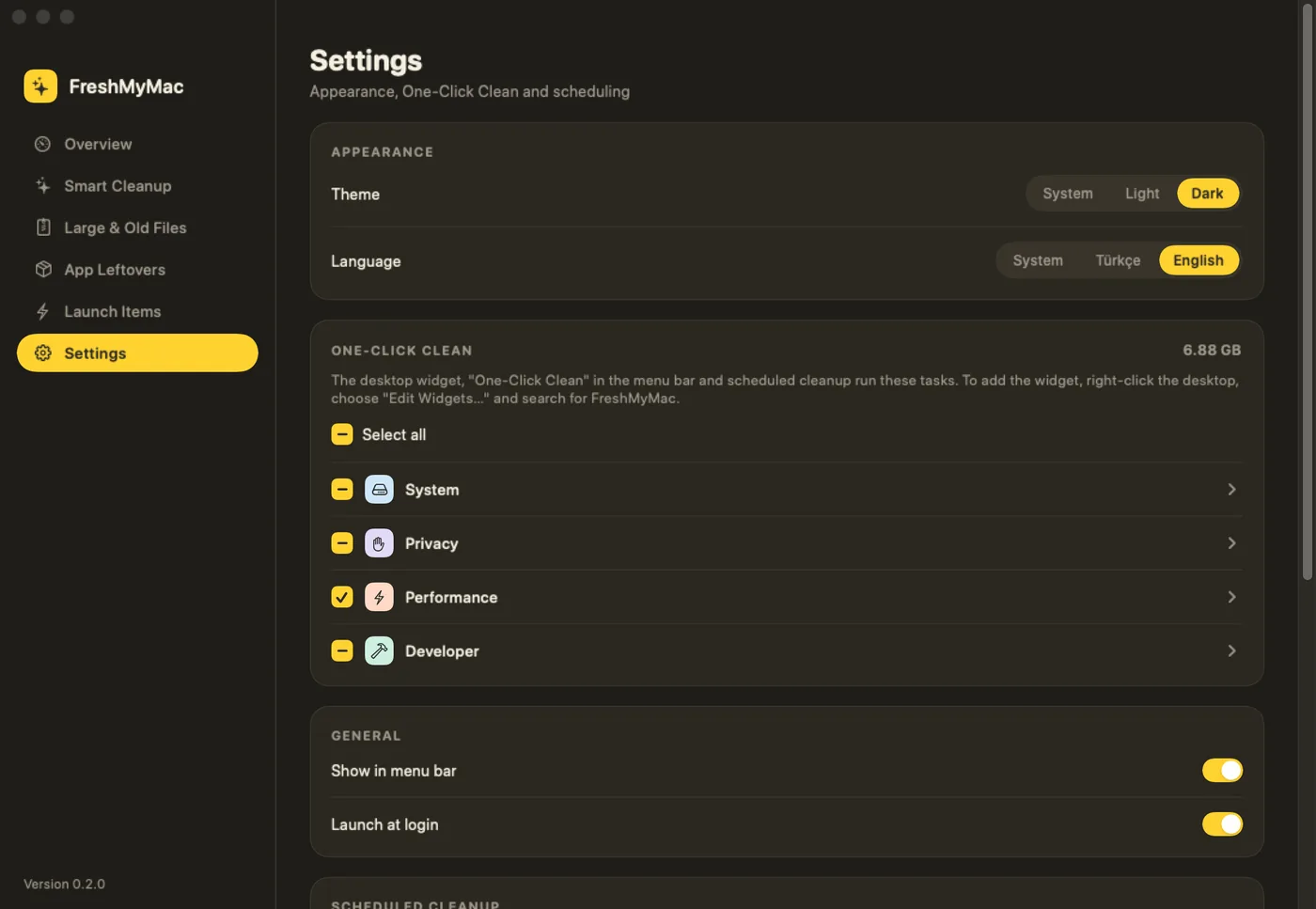
- Pick your tasks once, then run them together.
- Desktop widgets
- Clean in the background without opening the app, with progress and the result shown in the widget.
- Schedule
- Run One-Click Cleanup every day or every week.
- Light and dark
- In English and Turkish.
Safety
Cache, log and Trash tasks delete files for good. Large files, app leftovers and launch items go to the Trash, so you can get them back.
Browser history and cookie tasks are skipped while the browser is open. The leftover scan is careful: if another app from the same developer is still installed or running, that developer's files aren't listed.
A scheduled cleanup skips tasks that would ask for a password or need the browser closed.
Permissions
Full Disk Access is needed for the Trash, Safari history and some app containers.
Flushing DNS and freeing memory need administrator rights. FreshMyMac can ask once and then add a rule that lets only four commands run without a password: dscacheutil -flushcache, killall -HUP mDNSResponder, arp -a -d and purge. You can remove the rule in Settings. If you don't allow it, you're asked for your password at each cleanup.
Install it
- Unzip the download and drag FreshMyMac to your Applications folder.
- Open it. macOS will block it the first time, because Apple hasn't notarized the app. Close the warning.
- Go to System Settings › Privacy & Security and click Open Anyway. You only do this once.
- When FreshMyMac opens, it offers to set up the permissions it uses.
Details
- Version
- 0.2.2
- Released
- 14 Oct 2026
- Works on
- macOS 14 or later, Apple Silicon and Intel
- Languages
- English, Turkish
- License
- MIT
- GitHub
- Source code
All releases - Support
- [email protected]
- Privacy
- Privacy policy